What's new
The new Miftahly website is live
We launched the Miftahly website in Arabic and English, so a rental office owner in Oman can find everything needed for a clear decision: what the system does, what it costs, and how to start.
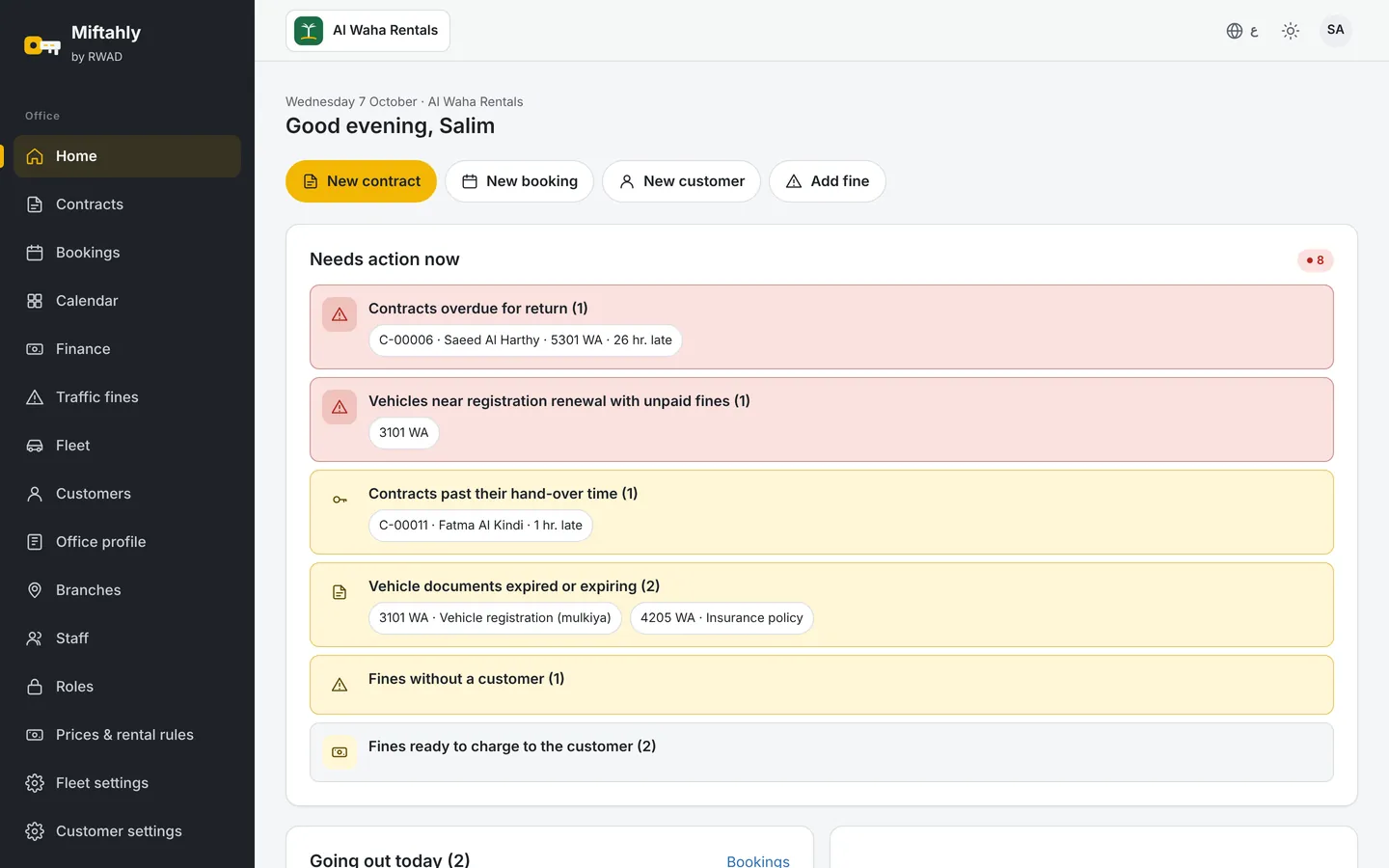
The Miftahly home screen on desktop and mobile What you will find on the site
- Price calculator: enter your fleet size and see your monthly subscription before VAT, with no surprises.
- Comparison with notebooks and Excel: what really changes in the office's day, from knowing which cars are available to fines and invoices.
- Practical guides: traffic fines on rental cars, rental office licensing requirements, and VAT on rental contracts.
- Security page: where data is stored and how it is protected.
- Demo requests: they reach our team directly, and we show you the system on data close to your office's.
- A short tour video that shows the system in a minute.
Why a new website?
Because rental offices ask us the same questions before subscribing: does it fit my office size? How much will I pay? Is my data safe? We gathered the answers in one place, and we keep adding new guides.
Start now
Try Miftahly free during the trial with no payment card, or request a demo and we will contact you to set a suitable time.
New: maintenance with an expected end date
A car that goes to the workshop with no one knowing when it will be back is a common cause of bookings that cannot be honoured. So Miftahly now asks for an expected end date whenever a car is moved to maintenance or accident status.
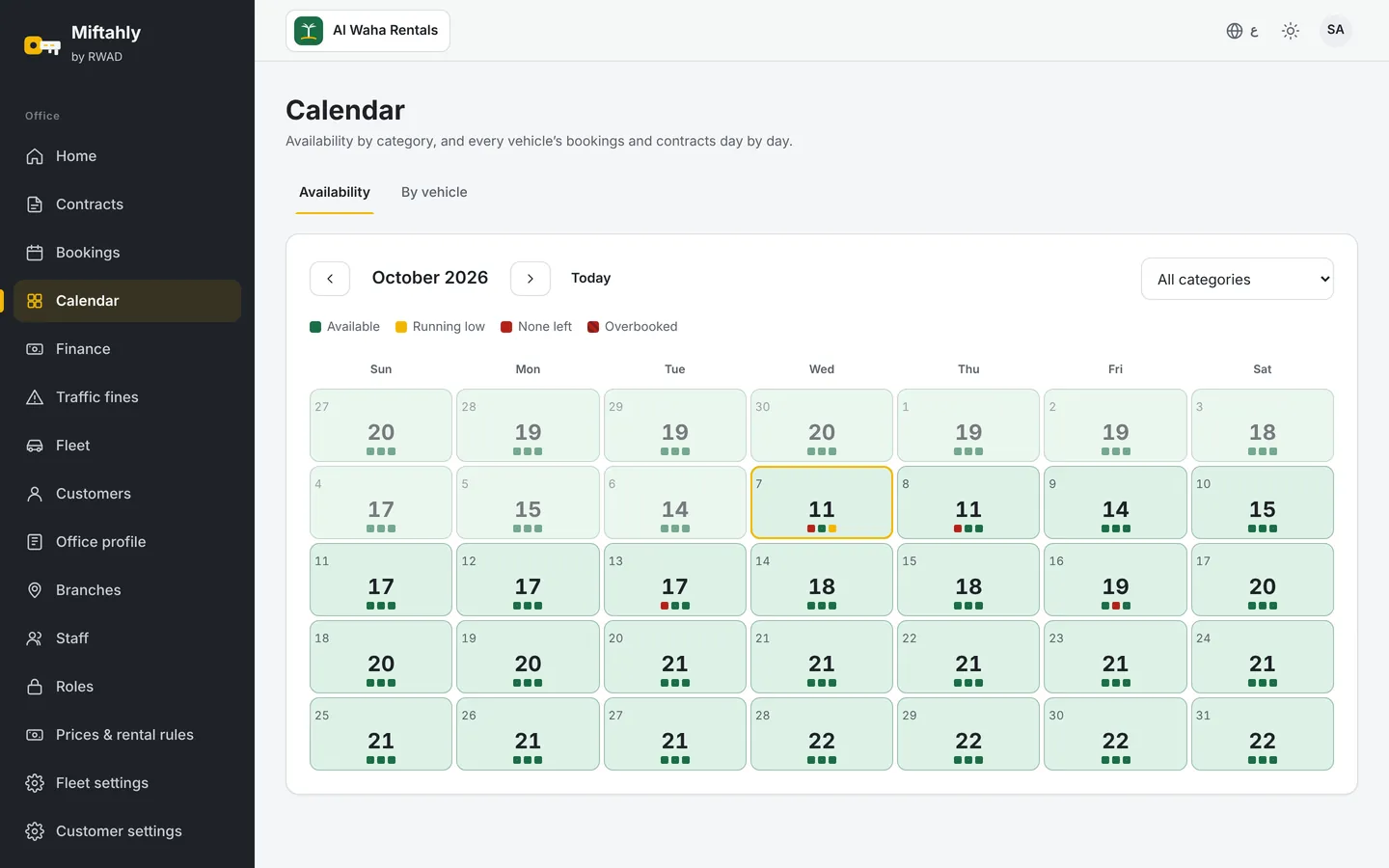
The Miftahly booking calendar showing cars blocked for maintenance What changed
- The expected date is required when moving a car to "Maintenance" or "Accident", along with the reason.
- The car is blocked in the calendar until that date, so it does not appear available for new bookings during maintenance.
- The date can be changed at any time if the workshop runs late or finishes early.
Why the car does not become available automatically
Because passing the date does not mean the repair is actually done. The car stays "Overdue" until staff press "Maintenance done" and note what was fixed; then it returns to "Available". This way no car is handed to a customer while it is still at the workshop.
Alerts on the home page
Overdue maintenance shows on the manager's home page, so it can be followed up with the workshop before it affects the coming days' bookings.
The result
- Realistic bookings based on cars that are actually ready.
- A clear record for every maintenance: when it started, why, when it ended and what was fixed.
- Easier follow-up on workshops and overdue cars.
New: move your cars and customers from Excel in minutes
Entering the fleet and customers one by one is the first thing that delays any office from moving to a new system. So Miftahly now lets you upload cars and customers from an Excel file in one go, with a full review before saving.
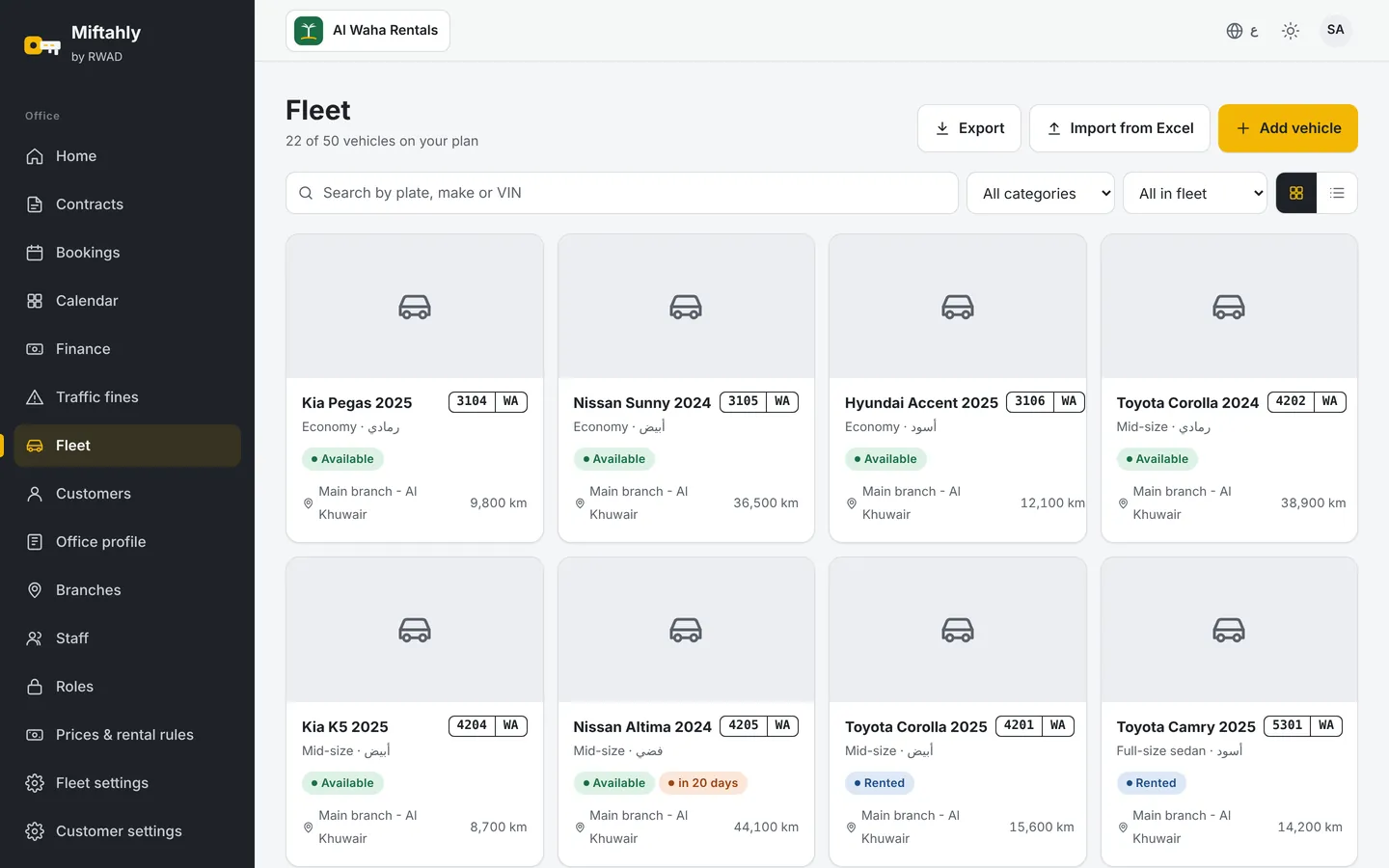
The fleet screen in Miftahly after uploading cars How it works
- Download the template from the "Upload from Excel" button on the fleet or customers page. Orange columns are required and grey ones optional; an "Instructions" sheet has examples.
- Fill in the file or paste your data from your current sheet. Pick lists prevent common mistakes, such as writing a category or fuel type in different ways.
- Upload the file as .xlsx or .csv, up to 500 rows at a time.
- Review the result: every row is checked, with errors and warnings shown before anything is saved.
- Save only the valid rows, and download the error rows in a separate file to fix and upload again.
What the system checks
- Missing required fields.
- Duplicates inside the file and against existing records, such as the same plate number.
- Date, number and phone formats.
- Values that do not match the approved lists.
Why it matters
- Start in a day instead of weeks of manual entry.
- Clean data from the start, because errors are caught before saving, not after.
- Nothing is lost: rejected rows come back to you in a clear file.
Try the upload during the free trial, and if you need help preparing the file, message us on WhatsApp.